
Integrations
Applied Epic
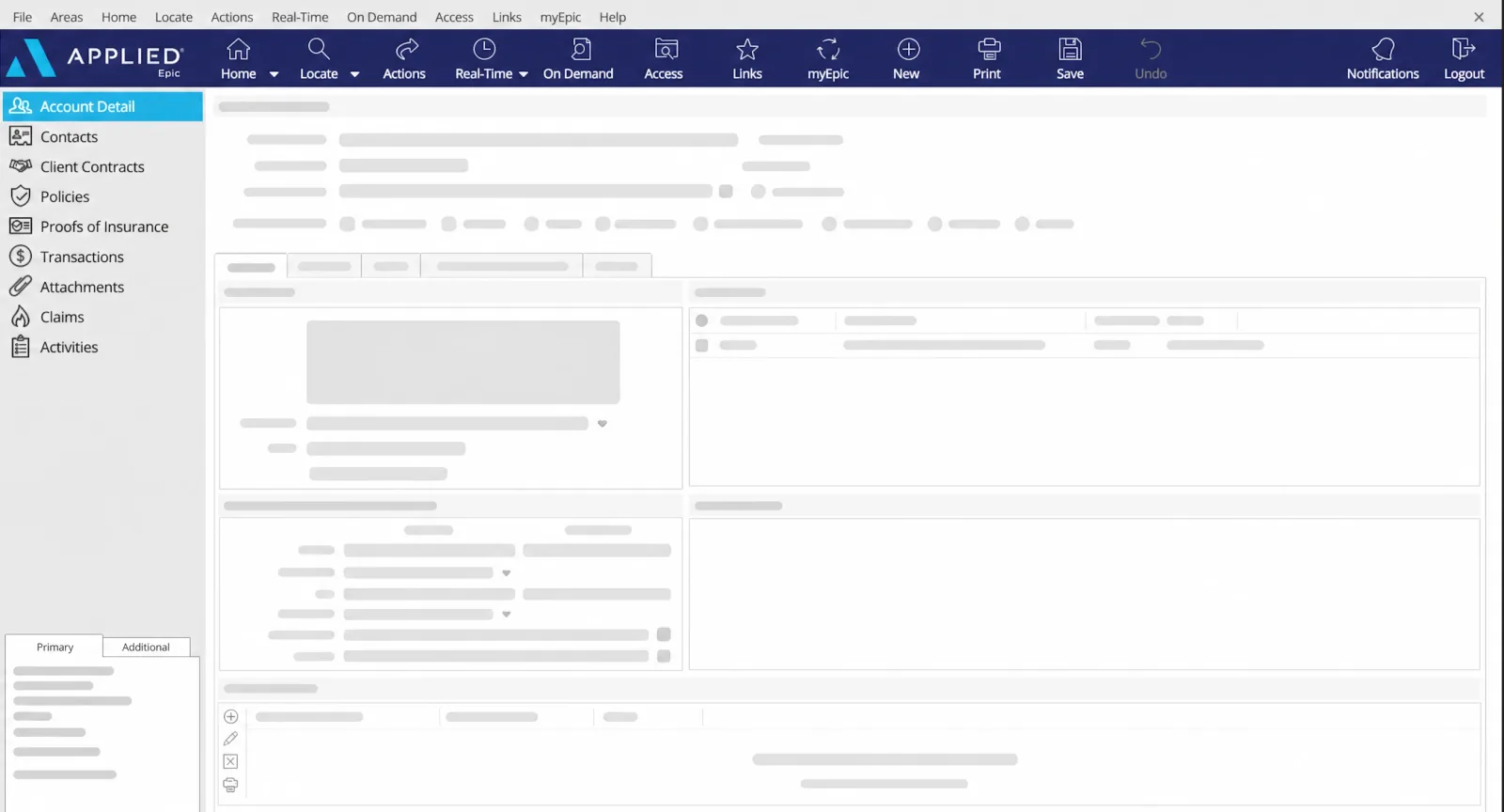
Automatically link calls to client profiles in Applied Epic without manual data entry. Cut the administrative workload and keep your team focused on what matters most: your clients.
See it in actionA modern certified integration for Epic
DEFENSIBILITY
A defensible record of every conversation
Recording a call is easy. Finding the right one years later is where most systems fail. YOVU transcribes and summarizes every call automatically and makes it searchable by client, phone number, date, or keyword. When an E&O claim or client dispute comes up, you can pull the exact conversation and its recording in seconds, tied to the correct client file in Applied Epic.

We just finished a detached garage out back. Is that covered on my home policy?
Not automatically. A detached structure has to be scheduled, so let’s add it now to keep you protected.
Perfect, please go ahead and add it.
RAMP & CAPACITY
Stronger calls with less double entry
YOVU scores calls against your own playbook, so managers can see whether the right coverage questions were asked instead of guessing. And because the AI summary is written back to Applied Epic for review, brokers stop entering the same details by hand across a spreadsheet, a note, and an activity. New hires ramp faster on real examples, and your team spends its time on clients rather than data entry.

Easy to use features inside Applied Epic
Screen pop
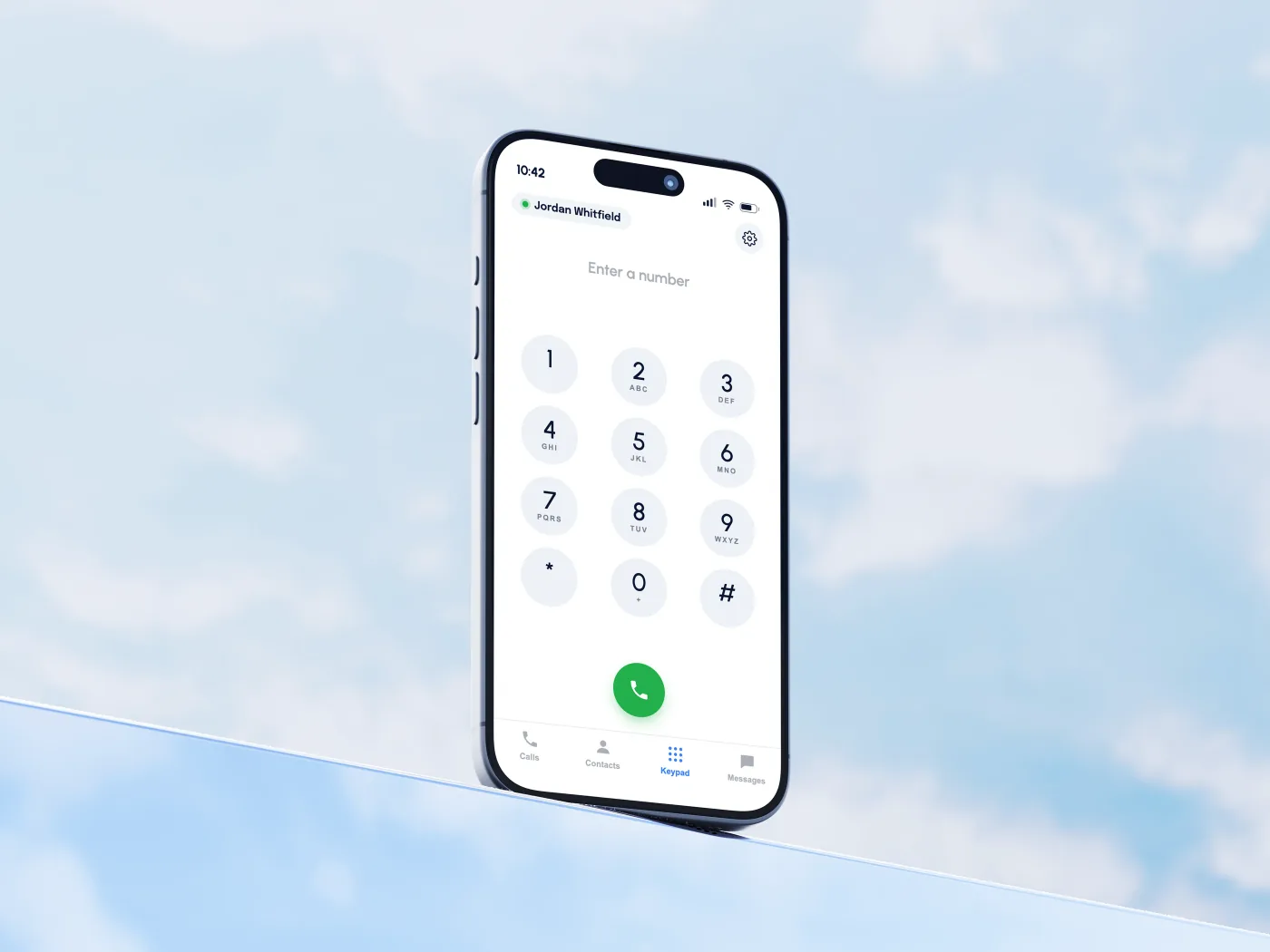
Instantly see who is calling and access their full account details the moment your phone rings. You can easily customize this pop-up notification to trigger either when the line rings or when you answer.
Click-to-call
Make calls with a single click directly from a client’s profile without ever leaving the Applied Epic platform. This eliminates manual data entry, saving you valuable time and preventing accidental misdials.
James Carter
88 Wellington St
Ottawa, ON K1P 5A5
Canada
Call transcription & retention
Review exact conversation transcripts for coaching, quality assurance, or efficiently resolving client disputes. Our secure seven-year data retention turns potential misunderstandings into concrete, easily accessible records for your E&O documentation.
Customizable AI summaries
Automatically generate tailored AI summaries that extract key details and recommended next steps rather than providing a massive transcript. This ensures the next team member who opens the file gets immediate, actionable context instead of raw text they have to decode.
Sentiment Analysis
Summary
James is happy with his auto coverage so far and would like to add his wife as a second driver on the policy.
Topics
Tasks
Call logging
Review full call histories and enter new data directly during an active call to keep your workflow completely seamless. After hanging up, use the generated AI summaries to quickly complete your logs and finish administrative tasks on the spot.
Notes: Call Details
Date: Oct 26, 2023 · 2:30 PM EDT
Topics: adding a driver, auto policy
Summary: Second driver added to the client’s auto policy; eligibility and vehicle assignment confirmed.
Task: Update the policy binder with the new driver.
Text, SMS & MMS logging
Select the messages that belong on the client file and log the full thread to Applied Epic as one activity. Timestamps, replies, and photo attachments stay with the account without screenshots or copy-paste.

Ready to connect?


How it Works
Take the call
Calls happen in YOVU on the desk phone, in the browser, or on mobile. Once YOVU sets up the connection during onboarding, brokers can just work without a separate connector or extra middleware to manage.
Pick the client and save
With the client open in Applied Epic, the broker selects the client, chooses an existing activity or creates a new one, and hits save. That step is deliberate, so the broker controls which client and activity the call belongs to.
Capture writes the record
YOVU’s capture tool uses Applied Epic’s current API to write the AI summary onto that activity and make the transcript or recording available on demand. That means no retyping, no copy-paste, and a cleaner client file in Applied Epic.
Why use an integration?
Bring your team together while simplifying your tech stack. Boost productivity and inclusion by simplifying how your workforce collaborates.

Embedded by design
A certified Applied Epic integration partner, built on Applied Systems’ current API and embedded inside Applied Epic. No screen-switching necessary.
Controlled access
Role-based access gives administrators control over who can view recordings, transcripts, and reports. Permissions stay aligned with your internal security and compliance requirements.
Long-term storage
Retention is configurable up to seven years to support your long-term E&O documentation policy. Data is stored on Canadian servers for added control and compliance.
Frequently Asked Questions
No, and that is on purpose. With a client open in Applied Epic, a broker logs the call to a new or existing activity and saves, so you control what gets recorded to a file and where it goes. Capture does the write-up: the AI summary lands on the activity, with a button that streams the transcript or recording on demand.
The AI summary is written onto the activity, plus a button that streams the transcript or recording when you need it. The media itself is not dumped into Applied Epic, which keeps the client record clean and readable.
Yes, when the caller’s number is on a client file. YOVU matches the number and opens the Applied Epic record on screen. If the number is on more than one file, YOVU shows a selector, with the details you choose to display, so the broker can ask which profile the caller means. A number that is not on any file does not pop.
Yes. Click a client’s number in Applied Epic to place the call through YOVU Communicator, with no copying digits and no misdials. The same click-to-call works on any web page.
Yes. Call history is searchable by client, phone number, date, or keyword, so you can find any conversation without digging through personal notes.
Each summary pulls out the key details of the call and recommended next steps, built from a custom template per brokerage, so the next person who touches the account has usable context rather than a raw transcript.
Retention is configurable up to seven years, so you can match your brokerage’s E&O documentation policy.
Give YOVU an API key and we stand up the connection during onboarding. There is no integration project for your IT team, and it scales to new brokers and offices without reconfiguration.
Are you ready to bridge the gap between your client calls and your BMS?
Curious if YOVU is for you?