

Integrations
Salesforce
Skyrocket sales, productivity, and reporting with complete Salesforce integration built right into our VoIP phone service.
See it in action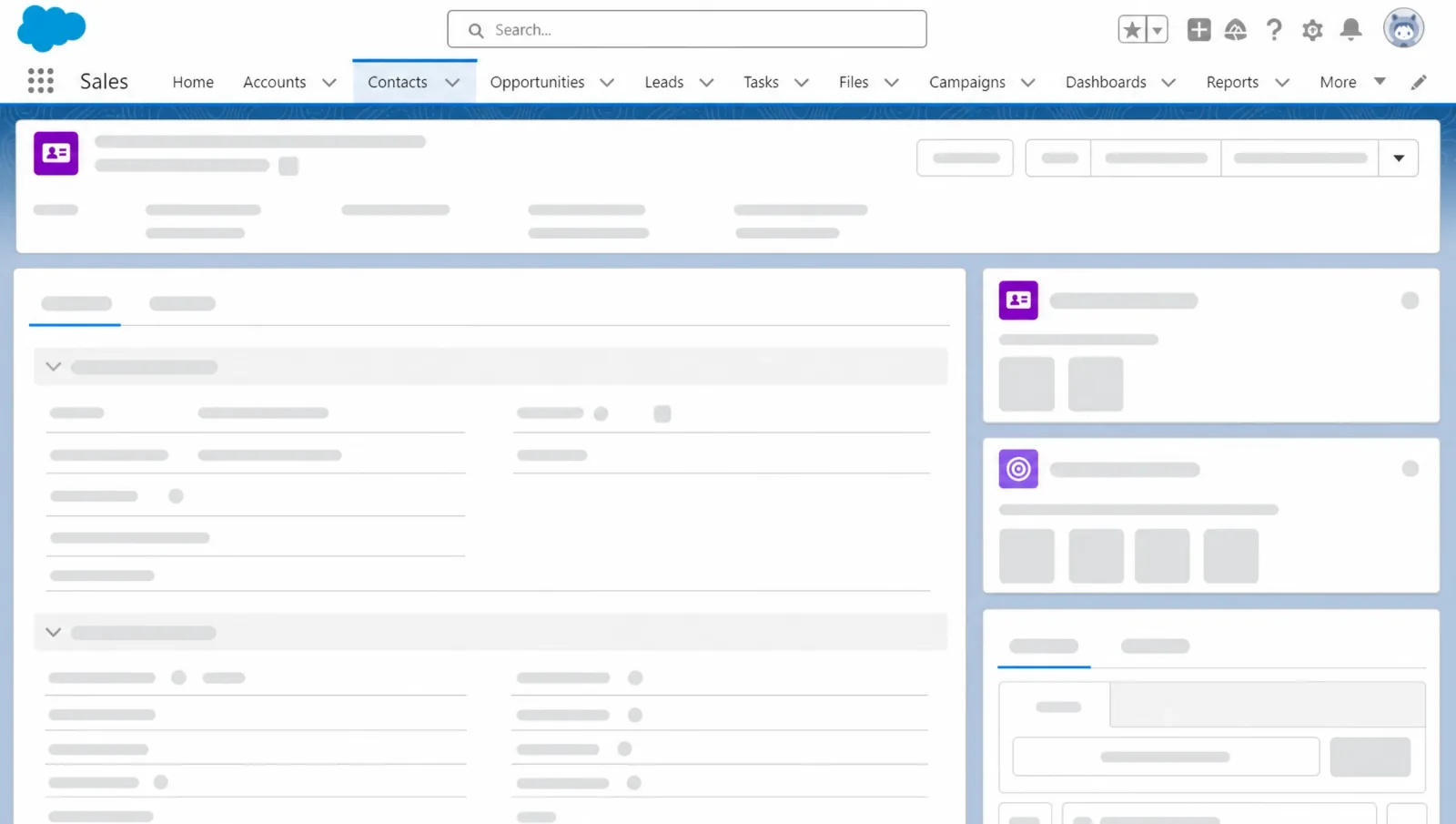
Scale your workflows to new heights
Activity Log
Keep the work moving
Review complete call history, reports and enter new data from within an active call. Stay in the account when the call is finished to complete logs on the spot. Log calls in any Object within focus logging. This unique integration allows admin, customer service and team members the ability to leverage the time-saving feature.

Call Analytics
Productivity backed by real data
From within Salesforce, you have instant access to all call details, history and recordings. Customize the experience to suit your unique business requirements by leveraging dashboards and reports. Understand who is achieving the most calls on your team. Engage in gamification for increased activity to help propel productivity.
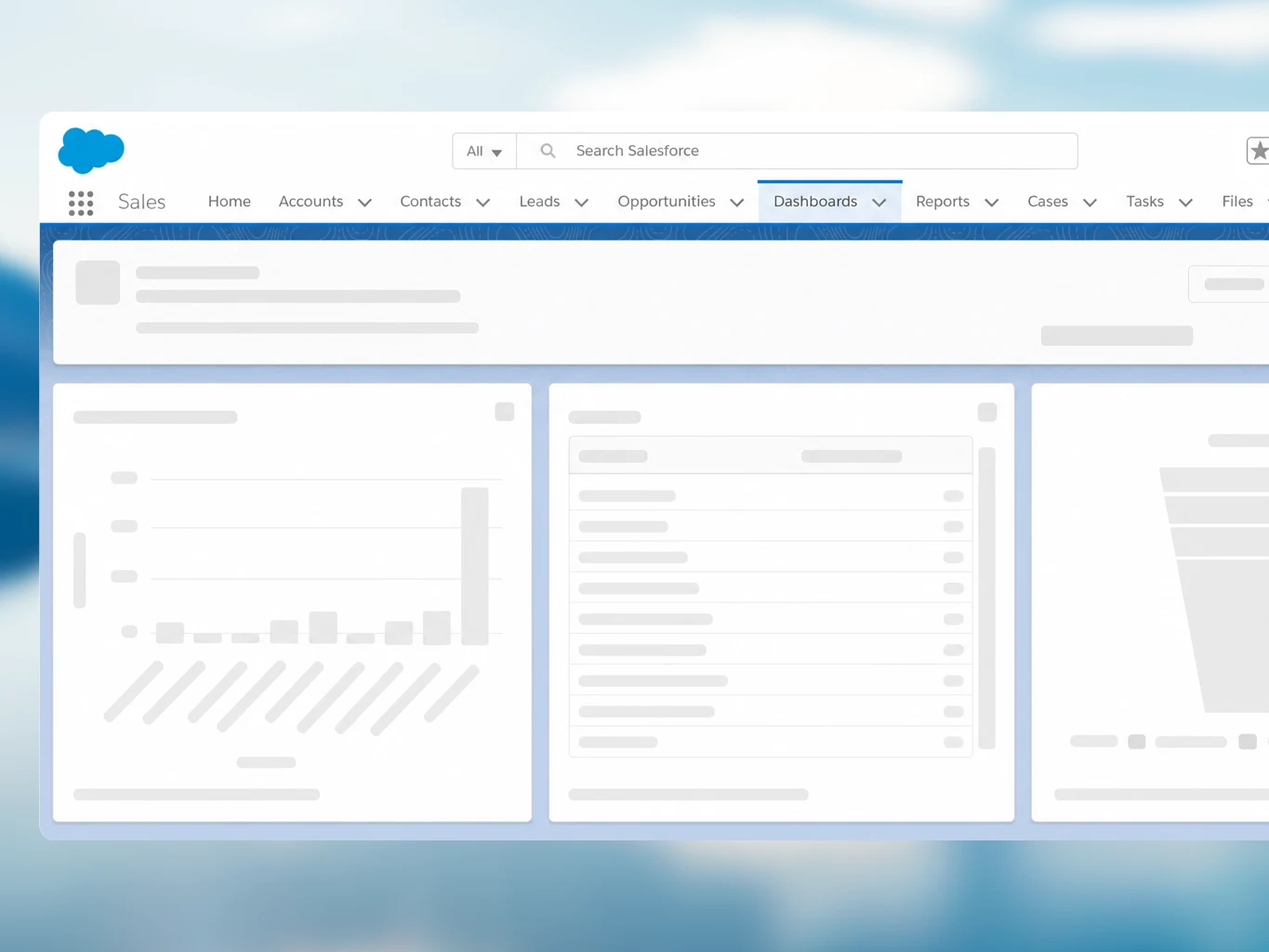
Keep every conversation connected in Salesforce
Screen pop
Inbound Calls associated with an account will show you who’s calling with access to all the details on their account. Customize this notification to activate on ring or on answer.
Click-to-call
Make calls directly from a client’s account on a single click, remaining embedded in one tool. Save time by capturing the results of these calls instantly in their account.
Contact
David Smith
- Title
- VP, Operations
- david.smith@example.com
- Phone
- +1 (416) 555-0148
Call recording
Listen to previously recorded calls directly from the account. Give sales and customer service managers insights through easily accessible call playback directly within Salesforce.
Call control
All the power in one tool. Transfer, hold, end and switch to a second call all from within Salesforce.
James Carter
On call · 02:14
SMS support
Send and receive SMS messages directly within the Salesforce UI, complete with file attachment support. Drives faster client engagement and traceable conversations within Salesforce.
SMS · David Smith
Activity tracking
All SMS and calls from YOVU are automatically captured alongside Salesforce records such as emails, events, and tasks in the native activity feed timeline.
Activity
Insurance quote
You sent an email to David Smith
SMS to David Smith
You had a task
SMS from David Smith
You had a task
Call to David Smith
You logged a call about a quote
Ready to connect?


How it Works
Connect your accounts
Activate YOVU inside of Salesforce to easily link your VoIP phone system with your CRM. This integration is automatically available for any new or existing YOVU client using Salesforce Lightning.
Customize your setup
Configure your dashboard to perfectly fit your team’s workflow by tailoring user profiles and softphones to specific roles. You can also update search fields so your team only sees the most relevant customer data instantly.
Communicate seamlessly
Enjoy one-click calling, screen pops, and full call controls without ever leaving your CRM. Save time by automatically logging call results and accessing recordings in one place.
Why use an integration?
Bring your team together while simplifying your tech stack. Boost productivity and inclusion by simplifying how your workforce collaborates.

Live updates
Stop waiting for status updates on phone calls for days from sales and support team members.
Improve accuracy
Increase productivity and gain more visibility within your organization with improved metrics and reliable accuracy.
Stay current
Communicate with customers and leads with the confidence that you have the most relevant and recent data on their account.
Frequently Asked Questions
It is a VoIP and CTI integration that connects YOVU’s business phone system with Salesforce so users can access customer details, call logs, and reporting from within Salesforce.
New or existing YOVU customers with a Salesforce Lightning account can access the Salesforce phone integration.
For inbound calls tied to an account, the integration can show who is calling and display account details inside Salesforce, with notifications that can be customized to appear on ring or on answer.
Yes, users can click-to-call directly from a client account and stay inside the same Salesforce workflow while capturing call results right away.
Yes, recorded calls can be accessed from within the account, which gives sales and customer service managers a simple way to review conversations and coach teams.
Users can manage calls from within Salesforce, including transferring, holding, ending, and switching to a second call.
The integration is designed to reduce manual processes by logging call activity, surfacing call history and analytics, and helping teams maintain more current sales and customer records.
Yes, profiles, softphones, and search fields can be tailored to user roles and business requirements from the dashboard.