

Integrations
Microsoft Teams
Unify your communications by bringing YOVU’s secure business phone directly into Microsoft Teams. Boost productivity and simplify your IT with one seamless integration.
See it in action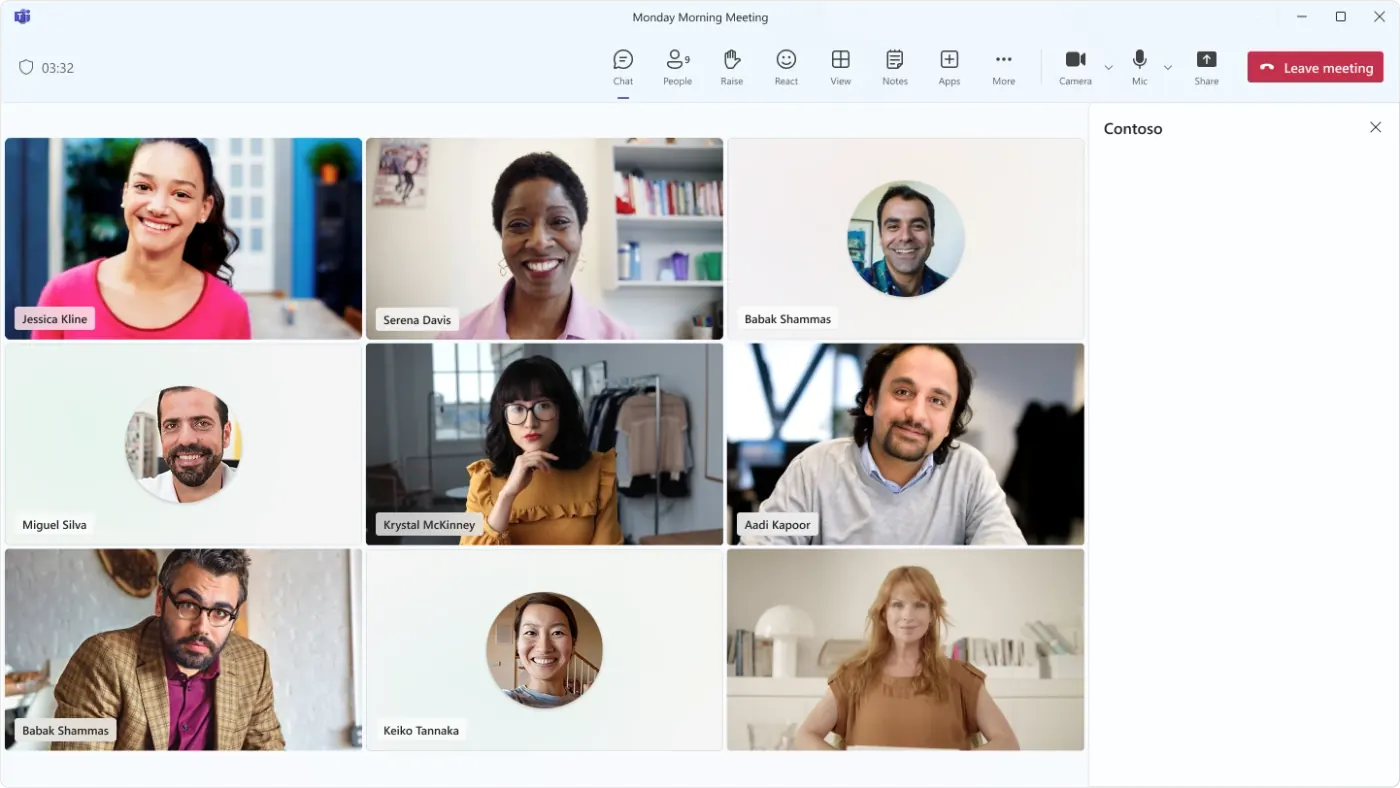
One shared workspace
COMMUNICATION
Communicate effectively without leaving Teams
Make and receive all your business calls directly within the Microsoft Teams interface. Unify your communication channels into a single platform so your team can collaborate without switching contexts.
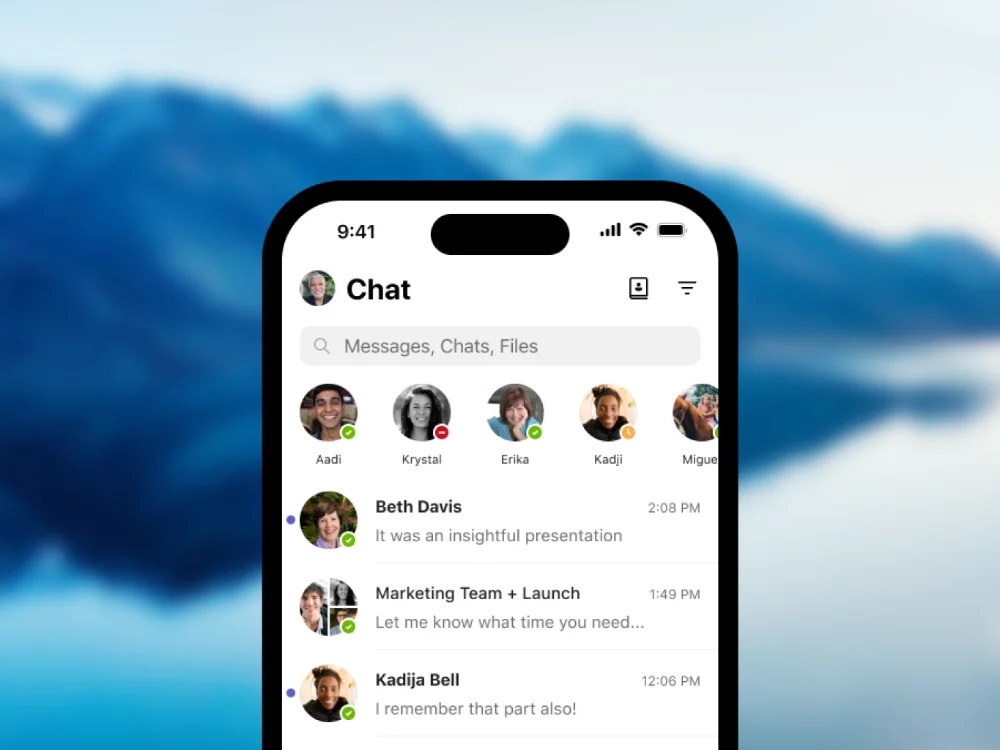
MOBILITY
Work from anywhere, on any device
Use YOVU and Microsoft Teams on any PC, Mac, or mobile device to keep your team connected on the go. Stay fully accessible and responsive no matter where your workday takes you.
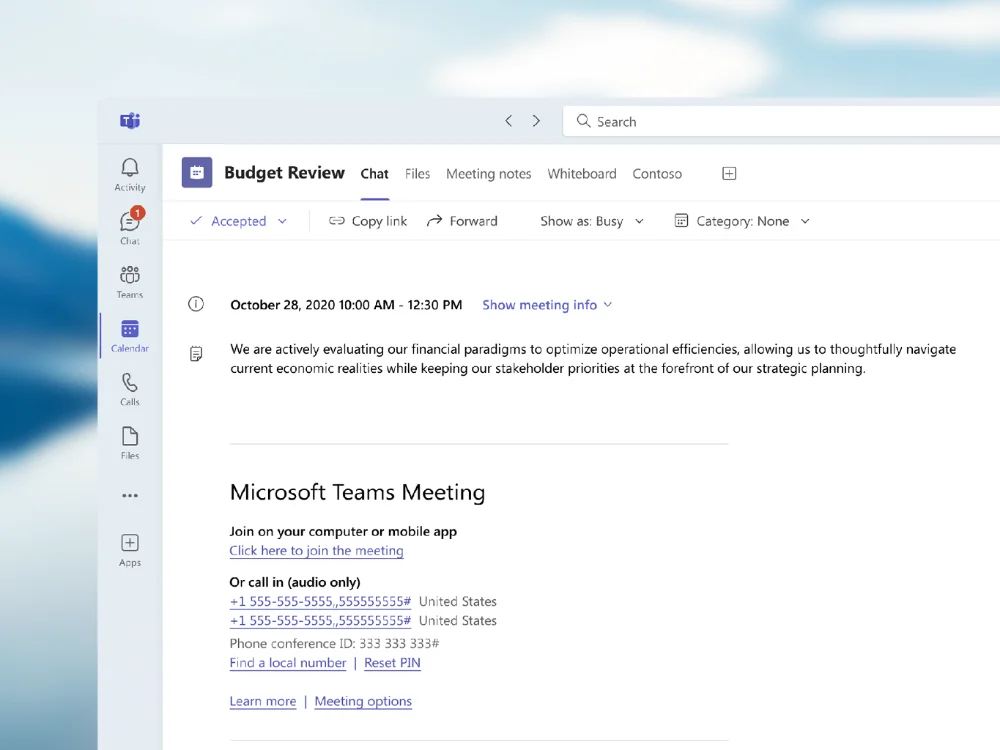
SECURITY
Protect your data with built-in security
Enjoy enterprise-grade, end-to-end encryption for all your signaling and media. You maintain complete administrative control, including the ability to revoke Microsoft 365 tenant access securely at any time.

Ready to connect?


How it Works
Add your Microsoft license
Start by adding a Microsoft common area phone license to your existing Microsoft Teams account. This simple prerequisite ensures your environment is properly equipped to link seamlessly with our phone system.
Connect to the YOVU Network
Once licensed, YOVU’s integration automatically registers your Microsoft Teams softphone as an active endpoint on our secure network. This bridges the two platforms together behind the scenes without any complicated hardware setup.
Make and receive calls anywhere
With the integration live, your communication is completely unified. Any inbound call to a YOVU number can simultaneously ring one or more of your Teams clients, while all your outbound Teams calls will route reliably through YOVU’s powerful VoIP network.
Why use an integration?
Bring your team together while simplifying your tech stack. Boost productivity and inclusion by simplifying how your workforce collaborates.

Simplify your IT
Reduce the number of applications your team needs to juggle, lowering support costs while increasing efficiency.
Increase connection
Voice-enabled collaboration is a growing asset for company inclusion, keeping remote and distributed teams connected.
Boost productivity
When employees can easily collaborate and connect from any device, business goals are achieved faster.
Frequently Asked Questions
The integration brings all your communication tools into one shared workspace. It allows your team to make and receive calls, chat, host meetings, share files, and work with relevant business applications without switching between different programs.
Yes, you can make and receive calls on any web-connected device. The Microsoft Teams application can be installed on PCs, Macs, or mobile devices, allowing your team to leverage YOVU Office Phone functionality from anywhere.
Yes, enterprise-grade security and end-to-end encryption for both signalling and media are built into the integration. The YOVU Teams connector also manages SSL certificates for each customer and provides fine-grained access control, including the ability to revoke access to the Microsoft 365 tenant at any time.
By reducing the number of different applications users need to get their work done, the YOVU Teams connector simplifies IT management in the cloud. This flexibility helps lower support costs while increasing overall working efficiency and productivity.
Yes, the YOVU Teams Connector increases productivity and allows for real-time collaboration. The integration brings Microsoft Teams to life with voice-enabled collaboration, which is a growing asset for company inclusion and helps businesses achieve their goals faster.